




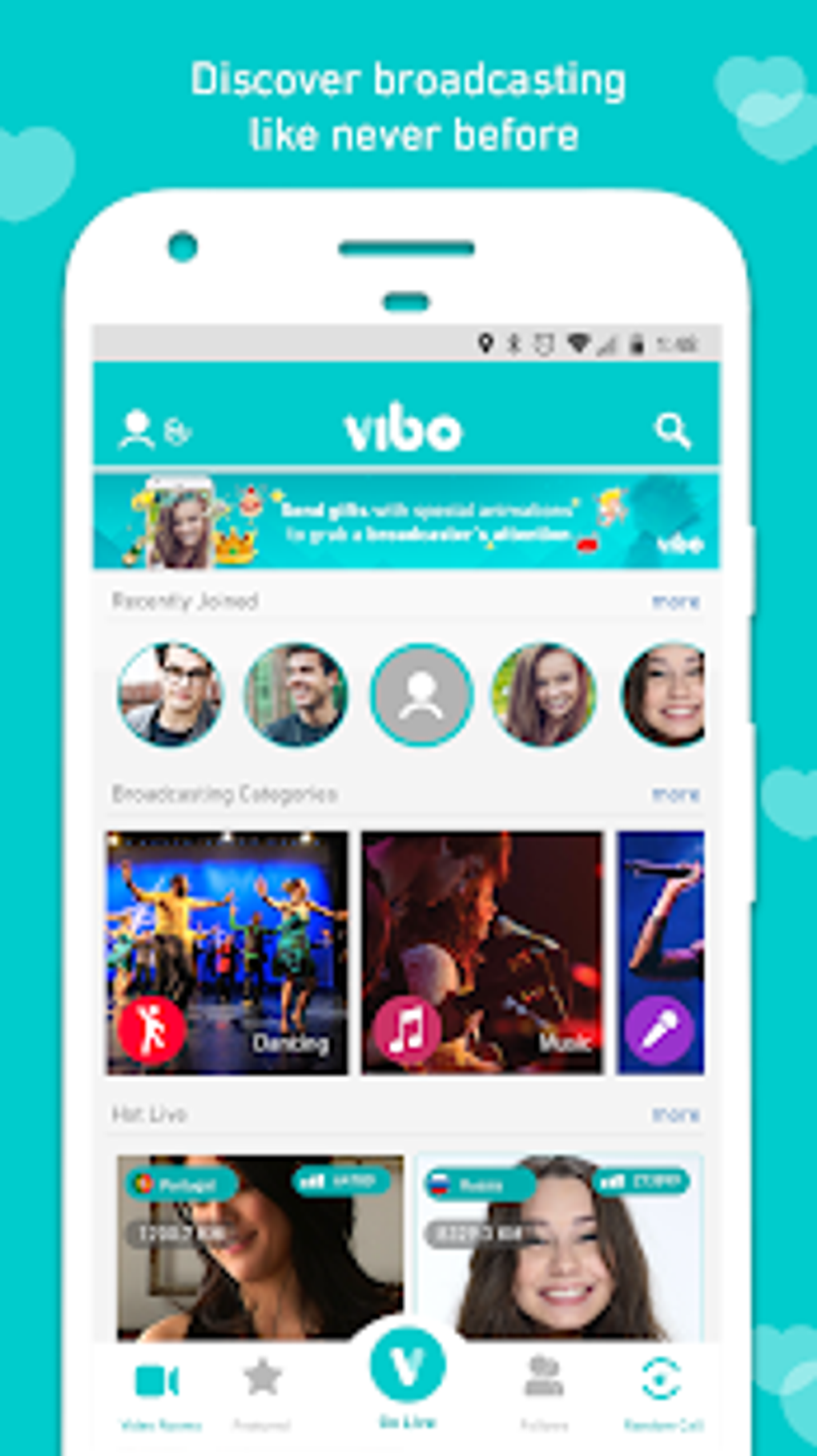

Description
Download Vibo Live Live Stream Random call Video chat APK – live stream, random video call, video chat, free video app, mobile streaming
Overview
Vibo Live is a mobile application designed for live video streaming and random video chat connections. The app enables users to interact with individuals worldwide through real-time video communication. It supports both one-on-one and group video interactions, making it suitable for socializing, entertainment, and informal business meetings. The platform emphasizes spontaneous connections through its random video call feature, allowing users to meet new people without prior planning. It also includes interactive elements such as virtual gifts and direct rewards, enhancing engagement during live streams. The application is accessible without sign-up fees or minimum session requirements, offering a low barrier to entry for new users. It is particularly suited for individuals who enjoy dynamic, real-time social experiences and prefer using larger screens for video communication. While the app is marketed as free to download and use, no information about in-app purchases or monetization methods was provided. The developer did not specify the intended user base beyond general social and entertainment purposes. Real-world usage scenarios include casual socializing, live broadcasting, and connecting with global audiences through video content.
Key Features & Capabilities
- Random Video Call Functionality: Connects users with strangers worldwide in real-time video sessions, promoting spontaneous social interaction.
- Live Streaming Support: Allows users to broadcast video content directly from their mobile devices to an audience, ideal for personal broadcasting or public engagement.
- Group Video Meetings: Facilitates multi-user video calls, supporting collaborative or social gatherings with multiple participants.
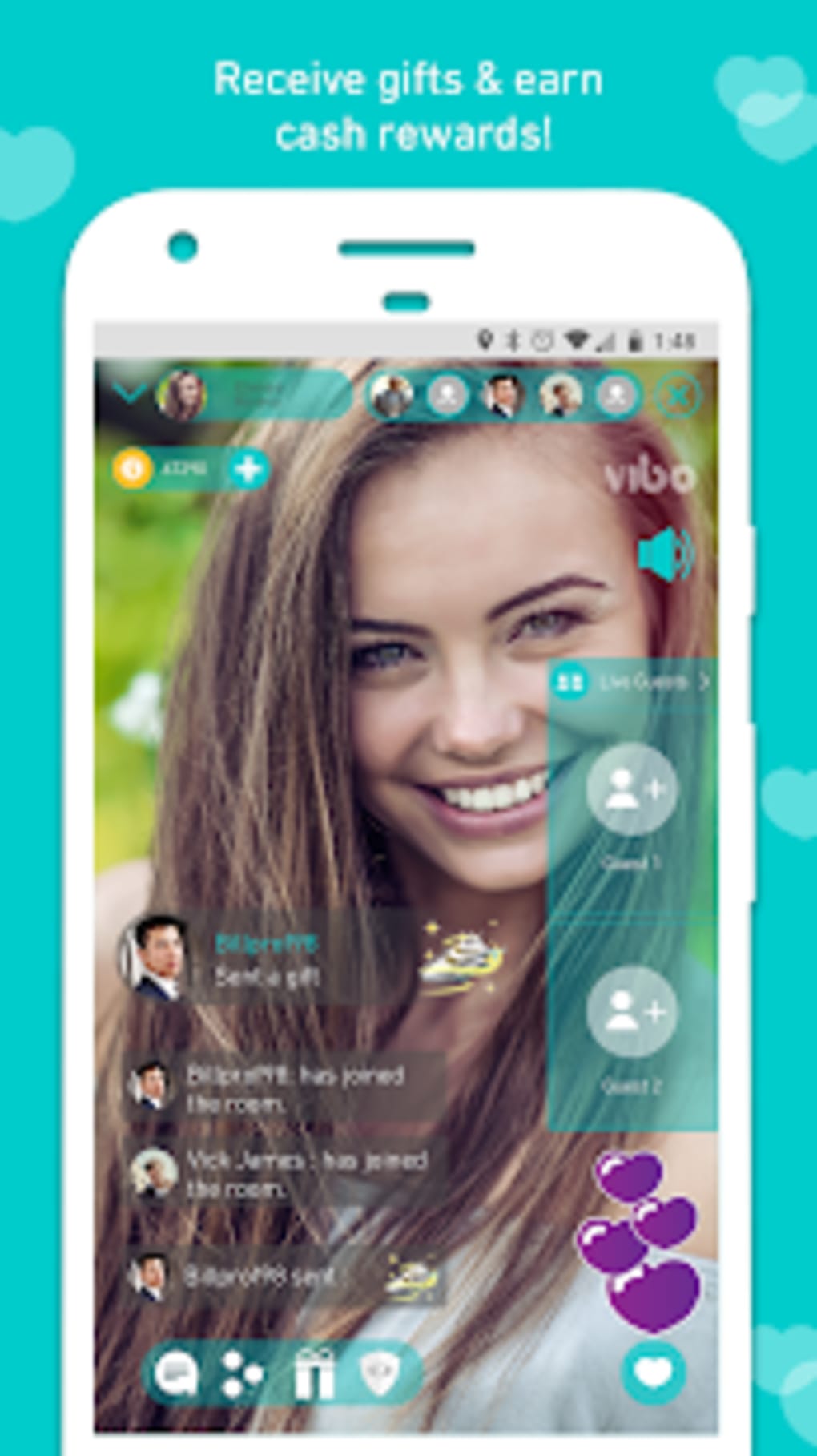
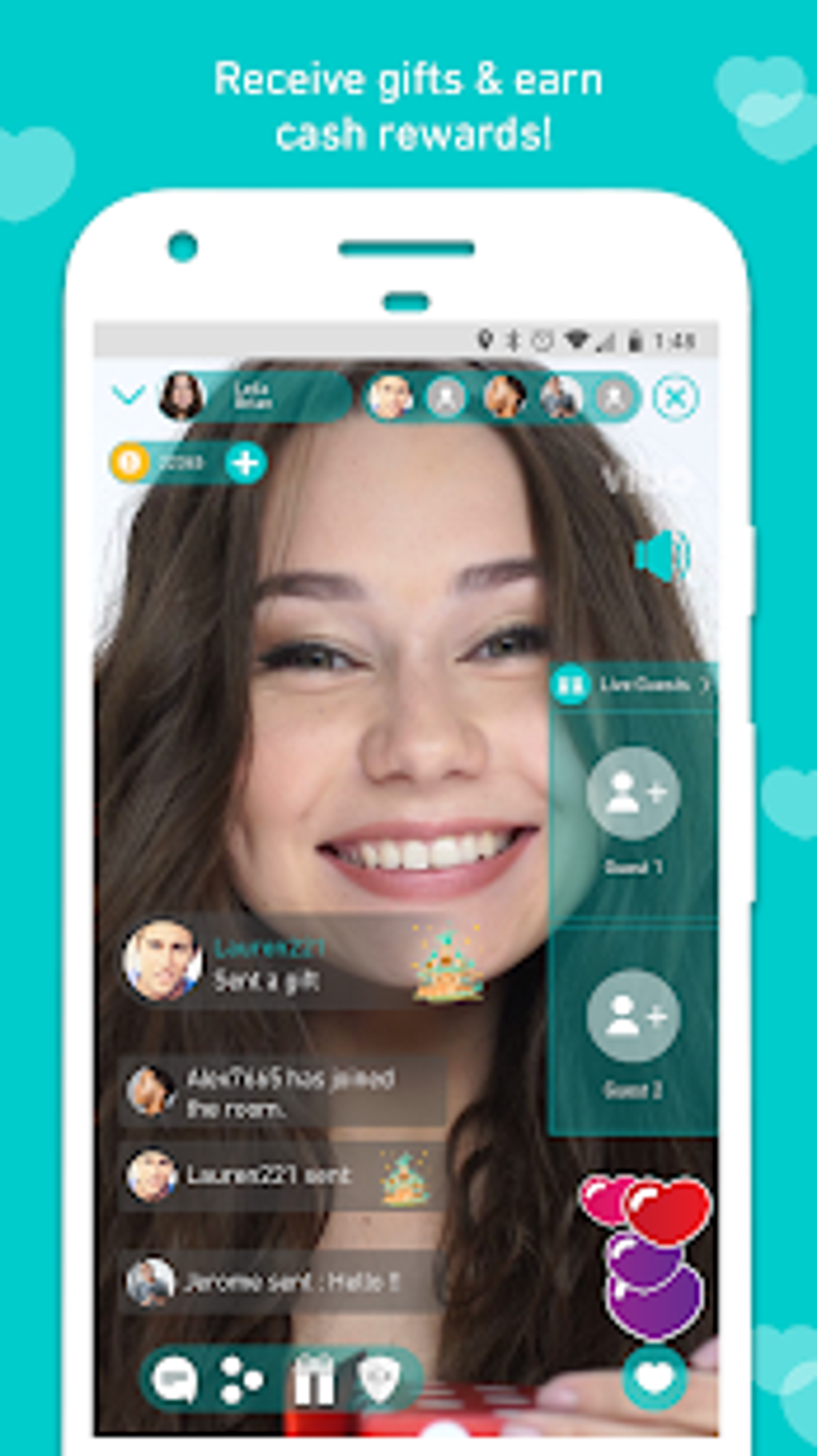
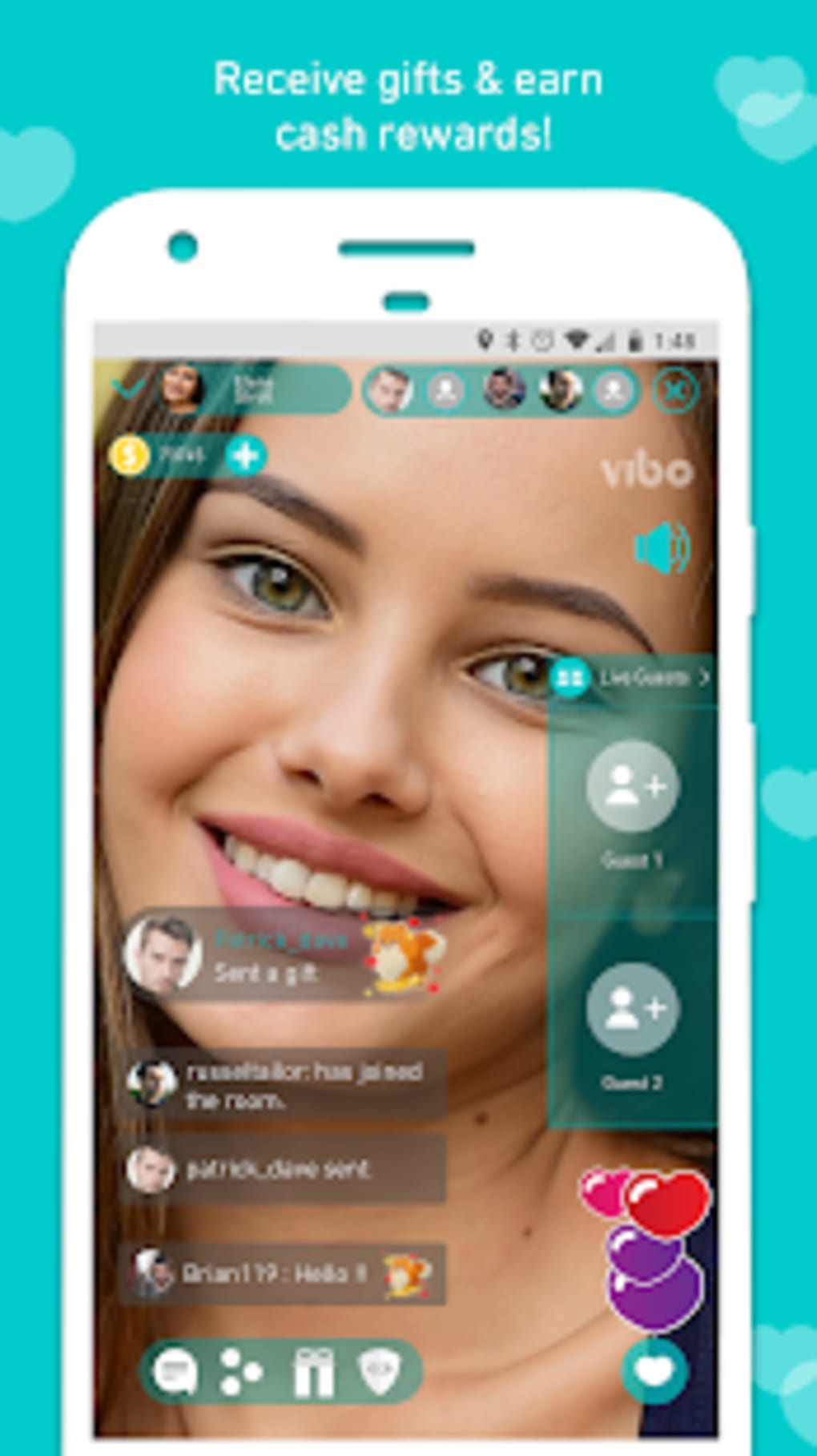
- Virtual Gifts and Rewards: Enables users to send digital gifts during live streams, potentially earning recognition or rewards from viewers.
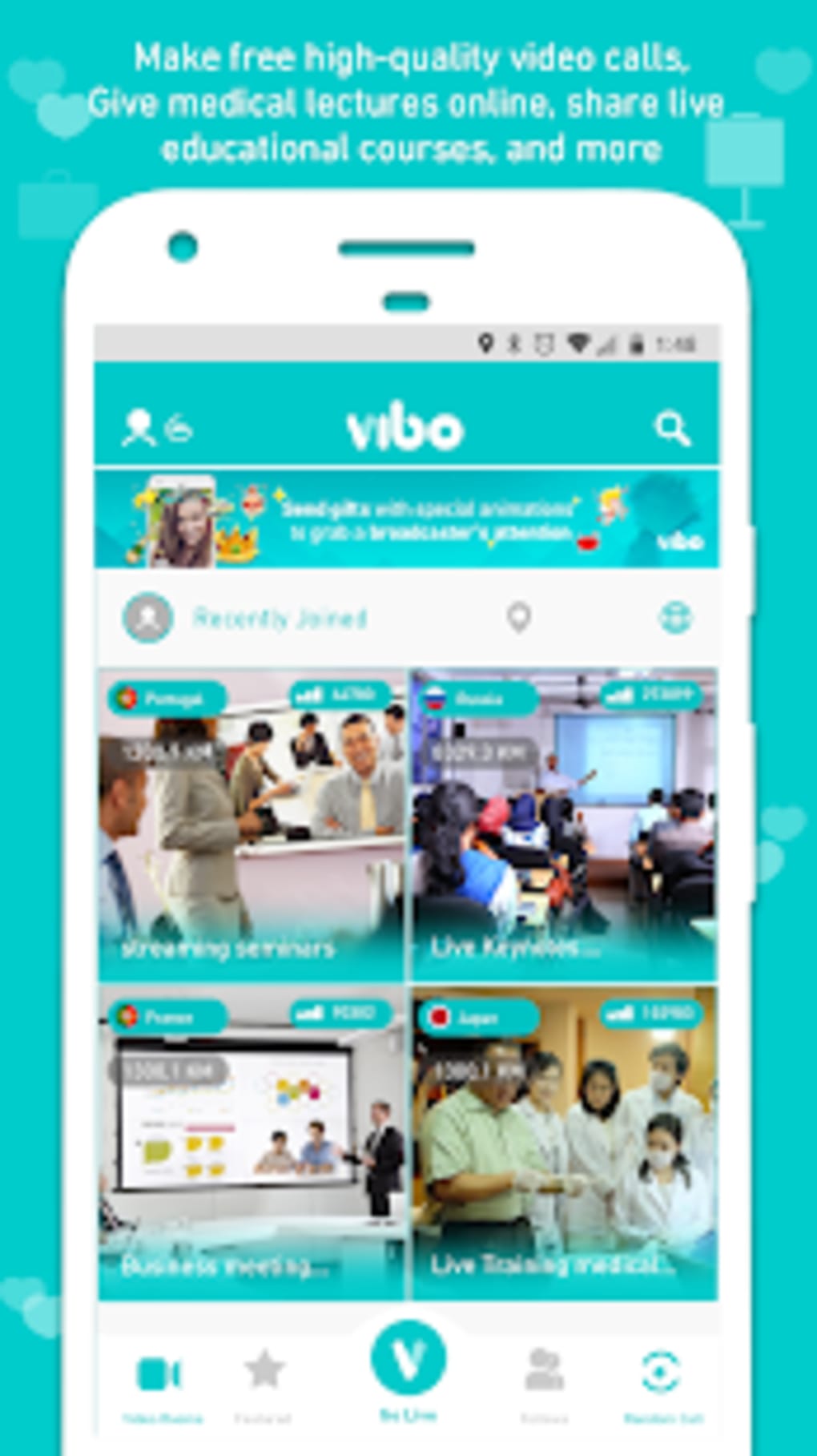
- Simple User Interface: Designed with ease of access in mind, featuring intuitive navigation for users unfamiliar with video chat platforms.
- Zero Sign-Up Fees: No registration costs or mandatory time commitments, allowing users to begin using the app immediately.
These features support a range of use cases, from casual socializing with new acquaintances to hosting informal live events. The random call feature is particularly useful for users seeking new social connections without relying on existing networks. Live streaming capabilities can be leveraged for personal expression or community building. Group meetings may serve as a substitute for traditional video conferencing in informal settings. The interface design suggests an emphasis on accessibility, potentially appealing to users who prioritize simplicity over advanced customization. However, the developer did not provide details on advanced settings, moderation tools, or content filtering mechanisms.
User Interface, Workflow & Performance
The user interface of Vibo Live appears to be structured around core video communication functions, with a focus on minimizing user effort during setup and interaction. Navigation is likely streamlined to prioritize live streaming and random call initiation, reflecting the app’s social and entertainment orientation. The workflow for starting a video call or stream is designed to be quick, aligning with the app’s emphasis on spontaneous engagement. Users can likely begin interacting with minimal configuration, which supports immediate access for casual users. However, the developer did not specify resource usage details, such as CPU or RAM consumption during operation. Performance observations are based on general software behavior patterns, with no benchmark data provided. Stability and responsiveness during extended sessions were not confirmed. The app’s reported file size of 43MB suggests a lightweight footprint, but this may impact the quality of video and audio transmission. Users have reported issues with video quality and audio lag, though the developer did not address these concerns. The app may experience performance limitations on older devices, though specific hardware compatibility was not outlined.
Compatibility & System Requirements
Vibo Live is available as an APK file for Android devices. The application is designed to run on mobile platforms, with no information provided about support for iOS, Windows, or macOS. The installation size is listed as 43MB, which indicates a relatively compact download. The developer did not specify exact system requirements, including minimum Android version, processor type, or RAM capacity. Compatibility information was partially provided, with no details on whether the app supports older Android versions or low-end hardware. The developer did not indicate whether the app requires an internet connection or if offline functionality is available. No information was shared regarding device permissions, camera access, or microphone usage. Users should ensure their device meets general Android compatibility standards for running video applications. The lack of detailed technical specifications limits the ability to assess suitability for specific hardware configurations.
Pros and Cons
Pros
- Free to download and use with no sign-up fees.
- Offers random video calls for spontaneous social interaction.
- Supports live streaming and group video meetings.
- Simple user interface designed for ease of use.
- Lightweight installation size of 43MB.
Cons
- Reported issues with video quality and audio lag.
- May not be compatible with older or low-end devices.
- Limited system requirements information provided.
- No details on advanced moderation or privacy controls.
- File size may restrict video and audio quality transmission.
FAQ Section
Is Vibo Live compatible with iOS devices?
Information about iOS compatibility was not provided. The app is currently available as an APK file, which is intended for Android devices.
Is the app safe to use?
The developer did not provide specific security or privacy details. Users should exercise caution when sharing personal information during live streams or random video calls.
Does Vibo Live require an internet connection?
Given the nature of live video streaming and video chat, an active internet connection is required for the app to function. No offline mode was mentioned.
Are there in-app purchases or subscriptions?
No information was provided about monetization methods, including in-app purchases, subscriptions, or advertising models.
How often are updates released?
The developer did not specify update frequency or release schedule for new versions.
Final Thoughts
Vibo Live presents a straightforward solution for users seeking spontaneous video interactions and live broadcasting capabilities. Its core features—random video calls, live streaming, and group meetings—cater to a global audience interested in real-time social engagement. The app’s lightweight design and zero-cost entry make it accessible to a broad user base. However, reported performance issues such as audio lag and inconsistent video quality may affect user satisfaction, especially on older or less powerful devices. The lack of detailed system requirements and privacy controls limits transparency for potential users. While the app shows promise for casual socializing and content sharing, its technical limitations and incomplete documentation prevent a fully confident recommendation. For users prioritizing ease of access and global connectivity over performance stability, Vibo Live remains a viable option. Download Vibo Live now to explore live video chat and random calling on your mobile device.
Guides & Tutorials for Vibo Live Live Stream Random call Video chat APK
How to install Vibo Live Live Stream Random call Video chat APK
- Click the Preview / Download button above.
- Once redirected, accept the terms and click Install.
- Wait for the Vibo Live Live Stream Random call Video chat APK download to finish on your device.
How to use Vibo Live Live Stream Random call Video chat APK
This software is primarily used for its core features described above. Open the app after installation to explore its capabilities.
User Reviews for Vibo Live Live Stream Random call Video chat APK 0
No reviews found





